Forget Friday night drinks; for a growing cohort of young people in the UK, a bustling gym floor is now the place to be seen – both online and offline. Across the country, the fluorescent hum of the weight room and the rhythmic clatter of pin-loaded machines has become the backdrop to a vibrant social hub, with gen Zers driving the boom in gym memberships.
In prioritising heavy sets over heavy nights out, gen Z has brought with it another generational shift: a penchant for posting workouts online, failed reps and all. It’s not just for social kudos. This lo-fi, algorithm-friendly content fosters community – creators swap training tips, tag one another in challenges and build support in public. Documentation, in other words, is part of the discipline.
So what makes visual content – from gym-floor selfies to long-awaited personal bests (PBs) – so compelling? And what tools can help creators achieve PBs not just in the gym, but online too?
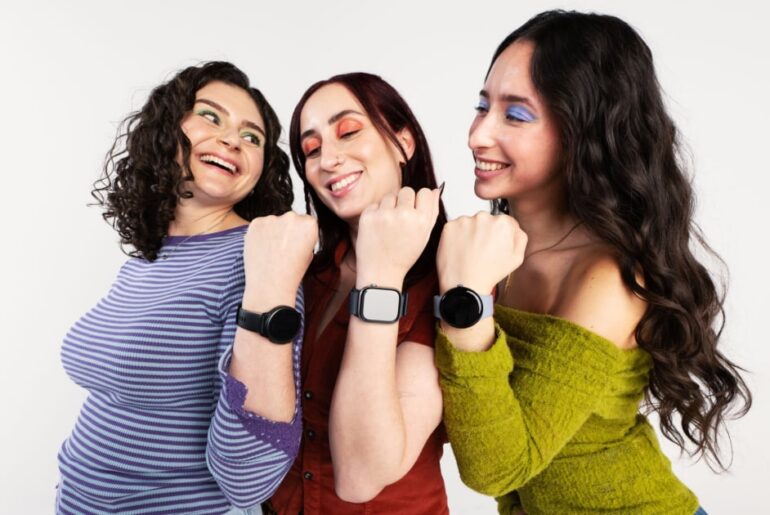
Technology has always tracked fitness culture closely, from smartwatches to sleep rings. Now, AI is extending that evolution into how workouts are captured and shared. Today, 77% of gen Z athletes say they feel more connected to their community when they see friends’ activities on social feeds – proof that posting isn’t just performance, it’s participation.
The reality of the gym, however, rarely matches the aesthetic. Harsh lighting. Cluttered backgrounds. Constant movement.
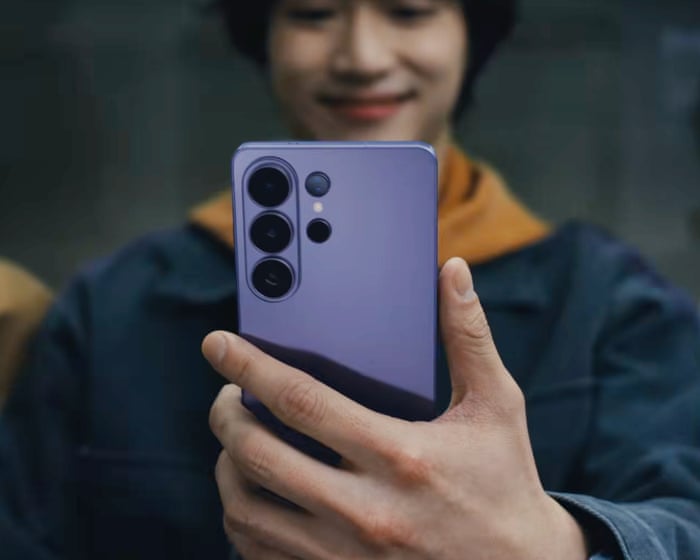
That’s where the Samsung Galaxy S26 Ultra’s Photo Assist1 feature comes into its own. With a few taps, users can remove stray gym bags, errant weight plates or accidental photobombers from a static shot, ensuring the focus stays on the lift – not the chaos around it. Between sets or on the commute home, edits can be made quickly by using your voice or text prompt, whether that’s refining a colour tone or isolating a distracting detail.
Video creators face another challenge: sound. A nearby spin class or clanging weights can overwhelm a voiceover. Audio Eraser2 helps reduce unwanted background noise – even in videos that aren’t yours – so commentary stays clear and intentional.
While tripods near squat racks may still raise eyebrows, for gen Z they’re practical tools – a way to check form, track progress and reduce injury risk. In crowded gyms, though, filming can feel intrusive. Photo Assist1 can intelligently crop, reframe and clean up footage after the fact, reducing the need for wide, floor-dominating setups. You don’t need to claim half the weight room to document a set.
AI tools can help you schedule time for your workout. Photograph: da-kuk/Getty ImagesHow AI can help you stick to your gym goals
Strava’s Year in Sport report, drawing on data from 180 million users and 30,000 survey respondents, highlights the accelerating influence of AI in fitness. Nearly half of athletes are now open to adopting AI as a “smart coach” – a shift led decisively by gen Z.
There’s good reasoning behind it too: between court bookings, class confirmations and coordinating run clubs, the admin of staying active can quietly derail consistency.
Using Now Brief3, the Galaxy S26 Ultra acts as a proactive AI assistant. It recognises booking confirmations or group messages about upcoming sessions and suggests blocking the time in your calendar, helping routine feel less enforced and more intentional. With this newly free time, all you need to do is pack your gym bag, put in your noise-cancelling Galaxy Buds4 Pro and crank up the workout playlist.
With AI acting as coach, editor and organiser, gen Z are proving that while the work happens in the physical world, momentum carries into the digital one. And when progress is shared, accountability – and community – follow.
1. Requires network connection and Samsung account login. A visible watermark is overlaid on the saved image to indicate it was generated by Galaxy AI. Accuracy of output not guaranteed.
2. Samsung account login required. Six types of sound can be detected; voices, music, wind, nature, crowd and noise. Results may vary depending on audio source & condition of the video. Network connection required to be used on supported apps.
3. Samsung account login and network connection required.