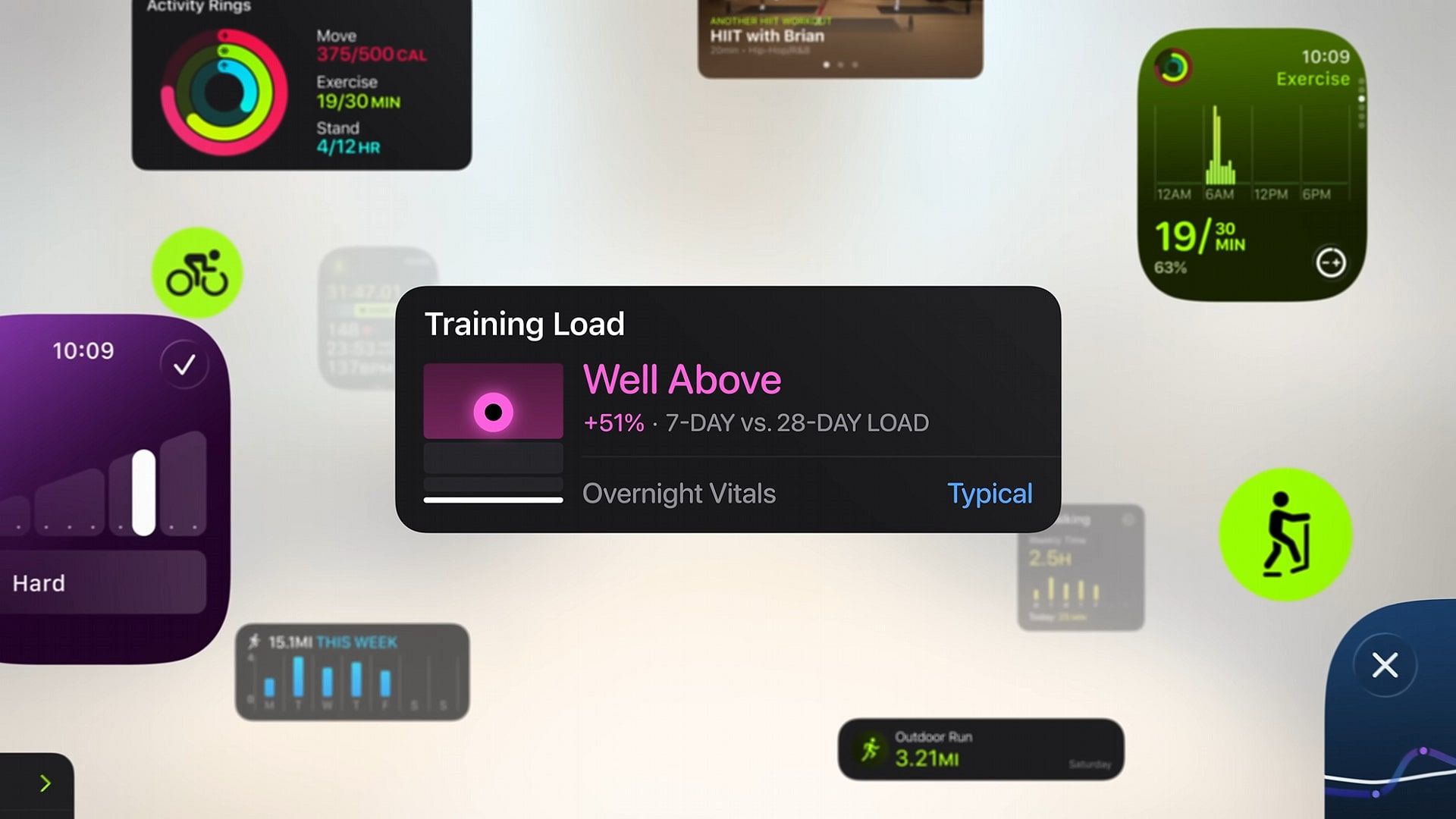
The Apple Watch may not have changed all that much in the last decade and change, at least from a design and hardware point of view, but the watchOS platform that powers it has undergone several major reinventions over its life cycle, usually to better match Apple’s ever-changing software design languages on its other devices.
Whether you’re using the Apple Watch to track your calories, triage your notifications, or maybe even call or message someone while your phone is on charge, watchOS is a core tenet of many users’ lives now – but it’s not always good news.
In the last 10 years that I’ve been using an Apple Watch, I’m still surprised by how some apps simply don’t take advantage of some of watchOS’s best features.
You may like
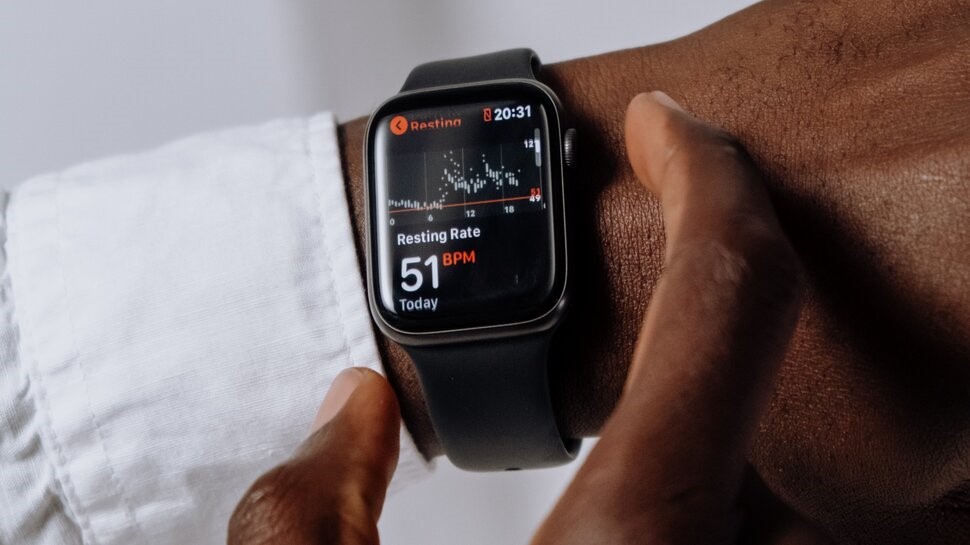
(Image credit: Pexels)Don’t skip the Dock view
I should preface this by saying I’m not naming and shaming apps here. Some developers are flying entirely solo, others have big teams, and each has its own challenges in that regard. Still, when I first began using an otherwise excellent fitness app on my Apple Watch, I was flabbergasted when it simply displayed an app version number when opening the Dock icon, with no other way to navigate except to go back to the app list and open the full version of the app. It was the kind of frustrating pain point that leads to uninstallation.
I assumed it was a bug, and then months and months later, it persisted. It’s gone now, thankfully (although not before I’d drafted this very article), but it got me thinking about the disparity between some apps on the Apple Watch.
Many do a great job of being almost as useful on your watch as they are on your phone. Spotify, for example, does a solid job of jumping between your watch and phone, along with smart TVs, games consoles, tablets, PCs, Macs, and much more. It makes sense that the user experience is just as slick on-watch as it is anywhere else.
Still, others leave plenty to be desired. Missing Dock widgets are a nuisance, although perhaps not too unexpected since Apple likes to change how the Dock is accessed, but it’s certainly a concern just how many apps aren’t very easy to reach or use when you need them. This is key when you’re poking at your wrist because your phone is out of reach.
Out of sync
Another major issue is syncing, although I’m fairly certain this is an Apple issue. My fitness app of choice (yes, the one that just displayed a back-end app version number for months) now has a very functional UI on the Apple Watch that allows me to log reps and adjust weights without reaching for my phone.
Still, sometimes I’m sat and using my phone anyway, so it’s frustrating to see the sync between the two get a little confused. For example, I might crank a weight from 20kg to 25kg on my watch, only for it to revert back on the iPhone app, or vice versa when I switch devices the other way.
When you just want things to work with minimal fuss so you can finish your set and get home, it adds up when you’re constantly deleting weights to re-add them.
You may like
More egregious is audio downloading, which I am certain is Apple’s own doing. Whether it’s podcasts or music (both through third-party apps), I find my Apple Watch almost always needs to be reset, to be be able to download audio from apps like Pocket Casts or Spotify to play without a phone.
An excellent citizen
(Image credit: Future)
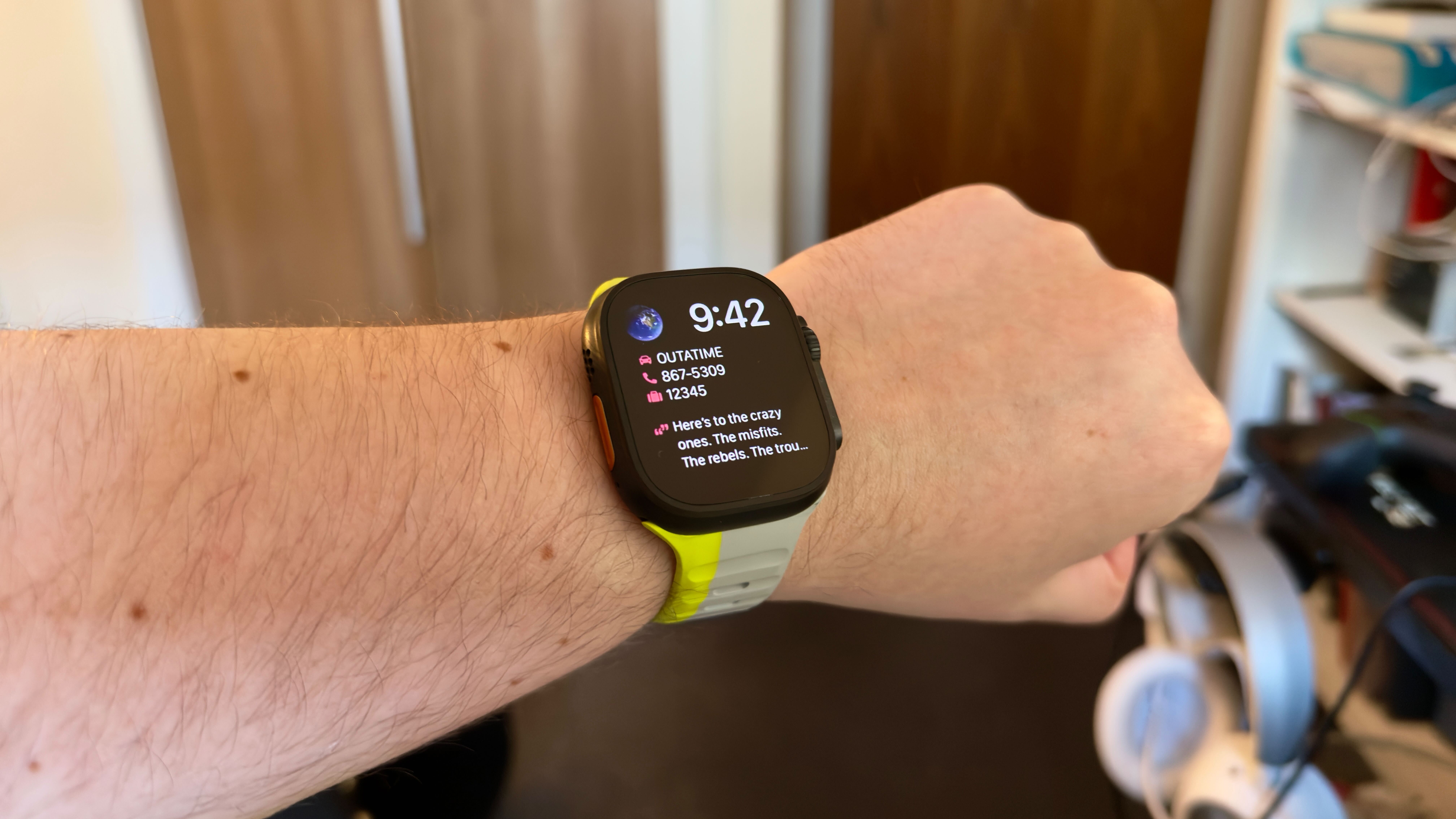
My favorite watchOS app, though? Strava. Credit where it’s due, the orange running app is absolutely fantastic.
It makes great use of the dock, lets you instantly switch settings while running so you don’t have to take your eye off the route for more than a second or two, and the communication between phone and watch is seamless, so you can access all your routes and metrics from either device in moments.
Simply put, it’s good at the basics and it’s easy to use. I’ve taken to using it much more than other apps because it’s a great citizen on the Apple Watch, especially with all the recent revamps – and I wonder how many other fitness apps would see more success if they could say the same.
Inconsistent syncing, and a lack of general consensus over what to do with the dock, are all things holding third party apps back. The Apple Watch is a device millions of us use every day, but these small issues are ones that can mount up.
Apple is keen for developers to get on board with new features every time WWDC comes around, but there are other, longstanding features of the Apple Watch I’d love to see addressed in the coming months. The most-used Apple Watch apps are the ones that get the basics right.
Follow TechRadar on Google News and add us as a preferred source to get our expert news, reviews, and opinion in your feeds. Make sure to click the Follow button!
And of course, you can also follow TechRadar on YouTube and TikTok for news, reviews, unboxings in video form, and get regular updates from us on WhatsApp too.