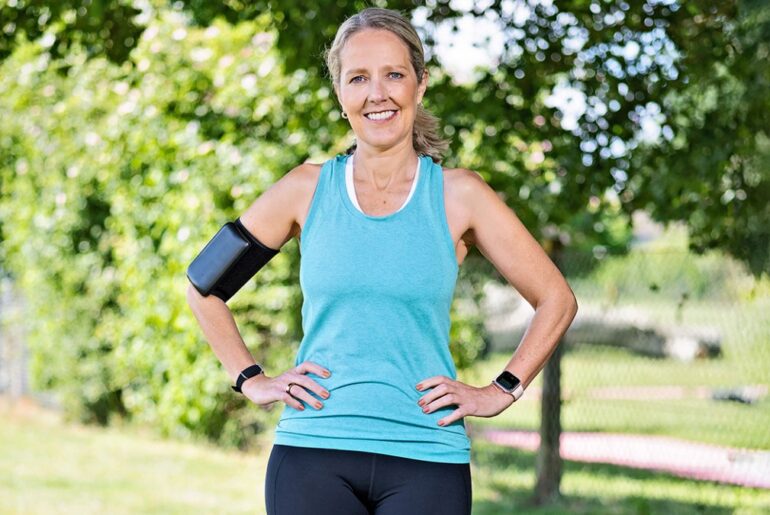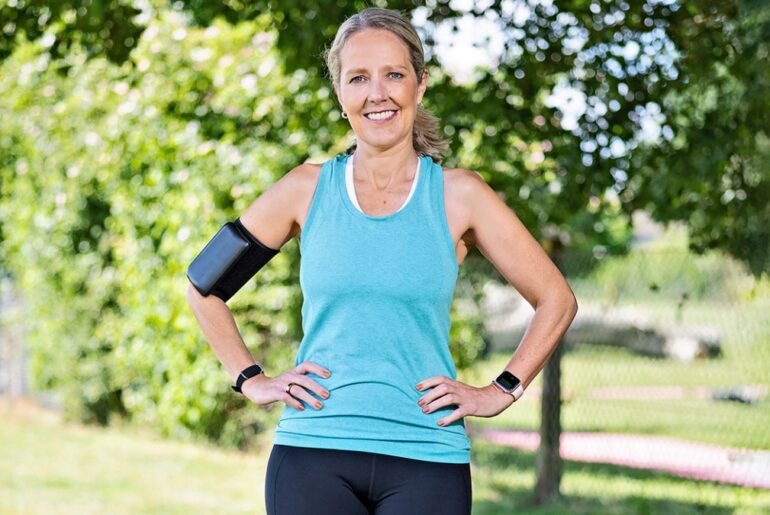
Despite testing smartwatches for a living and spending my days working for Tom’s Guide, like most people, I only use around 10% of the features on my Apple Watch. Yet recently, I realized your Apple Watch measures stability; when I got my results, I was shocked to find that, despite being six weeks into my sixth marathon training plan, my overall stability isn’t great.
If, like me, you’re an Apple Watch wearer, it’s easy to check out your stability score. In fact, even if you’re not an Apple Watch wearer but have an iPhone, you’ll get a reading, although wearing an Apple Watch on your wrist gives your Health app a better understanding of your overall mobility.
You may like
How to check stability on the Apple Watch
To find your “Walking Steadiness” score, head to the Health app on your iPhone, then, using the search button in the bottom-right corner, search for “Mobility,” then “Walking Steadiness”.
This will give a score of “OK,” which is typical and means you have a low risk of falling in the next 12 months, “Low,” or “Very Low.” You’ll also be able to see on a graph whether your steadiness is rising or falling.
I was surprised to see mine had dropped slightly over the past few weeks, and while I’m still at low risk of falling, I wanted to correct things. Read on to find the five isometric exercises I’ve added to my daily routine.
5 exercises to increase stability
To build stability, you’ll need to focus on working the deep stabilizer muscles in your core, as well as working on single-leg exercises to improve your overall balance. I’m guilty of skipping a warm-up, but for the past few weeks, I’ve incorporated the following five exercises into my pre-run routine.
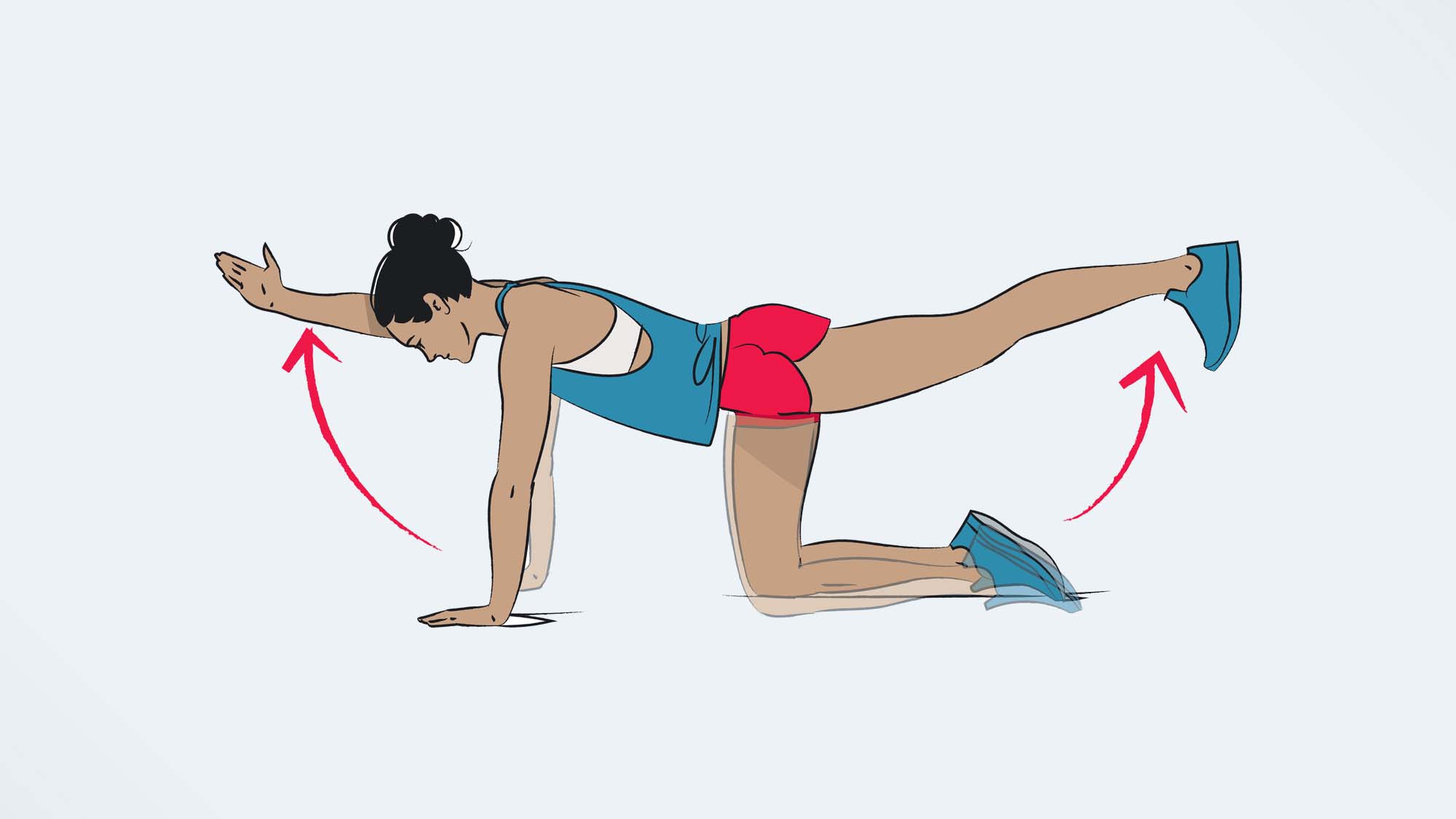
1. Bird dogs
(Image credit: Shutterstock)
The bird dog is a fantastic way to build deep core stability. Here’s how to do it:
Begin on your hands and knees in what is known as the tabletop position — wrists directly in line with your shoulders and knees aligned with your hips.Extend your left arm straight ahead and your right leg behind you. Engage your core and concentrate on maintaining a flat back. You should be looking down at the floor.Hold the position briefly, then return to the starting position. This is one rep.Start with 10 reps, then repeat the move with the other arm and leg. Do two more sets on each side.2. Wall sit with heel lift
(Image credit: Shutterstock)
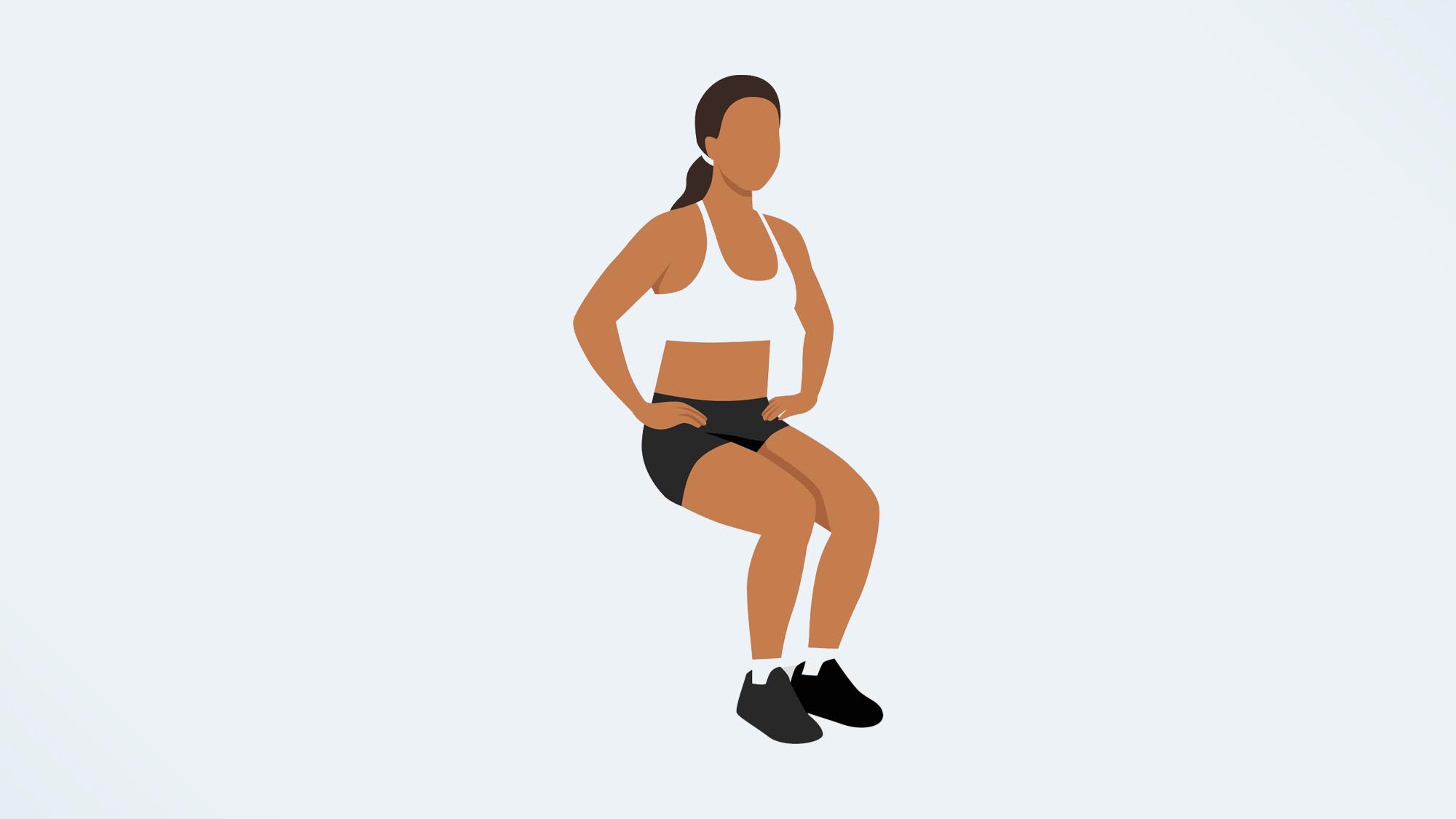
This exercise gets you a lot of bang for your buck — you’ll work the glutes, quads and calves, as well as your deep core.
Stand with your back against a wall.Lower into a squat, so that your thighs are parallel to the floor.Lift your heels an inch off the floor and hold.Make sure you keep your lower back pressed firmly into the wall throughout the exercise and engage your core.Build up to holding here for one minute.3. Single-leg airplane hold
(Image credit: Shutterstock)
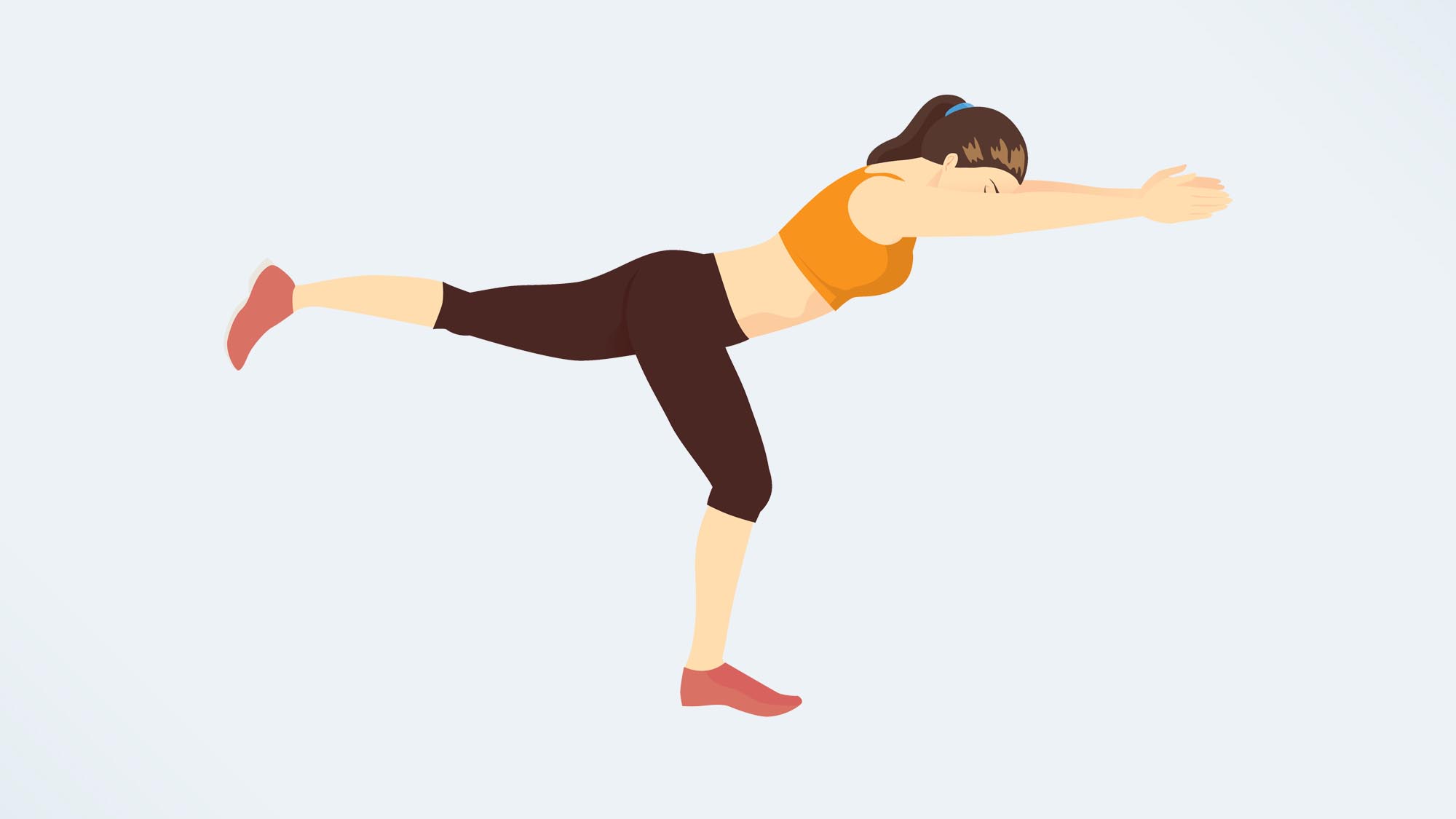
During this exercise, you’ll be working on your ankle and hip stability and balance. More importantly, you’ll be working on one leg at a time, helping you identify any imbalances in the body.
Stand on one leg with a slight bend in your knee.Hinge forward at your hips until your torso is nearly parallel to the floor. Balance here, then extend your back leg behind you.Extend your arms to either side of your body for balance.Hold here, building up to 45 seconds. Don’t let your hips tilt. If you wobble, reset and start again.Switch to the opposite side.4. Plie squat with calf raise
This exercise challenges your coordination and lower-body strength. It’s a great one if you’re a runner like me.
Stand with your feet slightly wider than shoulder-width apart. For an advanced version, bring your heels together and point your toes outward.Engage your core and lower into a squat.Raise onto your toes with control for a calf raise, staying in a squat position.Raise back to your starting position.Move slowly and with control and aim for 10-15 reps.If you prefer, stand from the squat first, then perform the calf raise.
If this exercise is too tricky, opt for a bodyweight squat or a goblet squat, holding one of the best adjustable dumbbells to strengthen the glutes, quads, hamstrings and lower back.
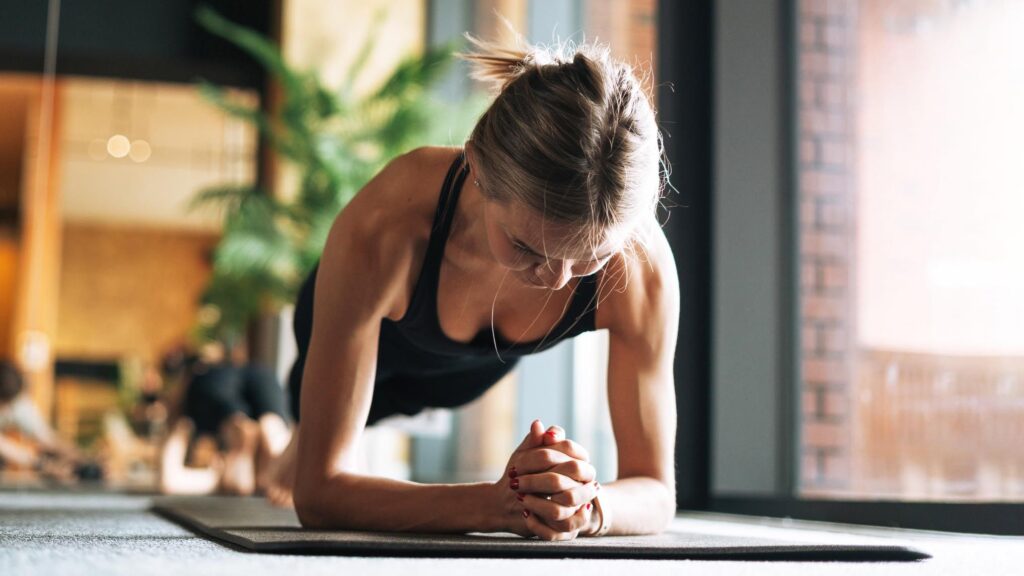
5. Plank
Finally, this exercise works on your deep core stability.
Start in a press-up position, with your arms slightly wider than your shoulders, hands flat against the floor or on your forearms, depending on which variation you opt for.Think about creating a straight line from your heels to the crown of your head, engaging your core.Keep your hips level and your core engaged and hold. Build up to holding for 60 seconds.

Follow Tom’s Guide on Google News and add us as a preferred source to get our up-to-date news, analysis, and reviews in your feeds.
More from Tom’s Guide