
Emilie Lavinia is a fitness, health and wellbeing writer and editor, who reports on news, trends and investigates our relationship with health.
Filming fitness content can be a challenge, even for experienced creators. To capture the run, you have to disrupt the run. To make it look effortless, you have to think about angles, lighting, audio, framing – all while trying not to trip over.
Beth Fletcher knows this all too well. Based in Macclesfield, Beth is a running creator who documents everything from casual trail runs to ultramarathons. But her content isn’t glossy or overly staged. It’s usually self shot and shows Beth enjoying the process of running as a regular person.
“I didn’t start to be like, ‘Look at me, because I’m an amazing runner,’” she says. “I just like to share my realistic journey and show that anyone could do it.”
Beth started running after her dad encouraged her to try it. “We’re a running family – he was already doing ultramarathons,” she says. “But one of the other reasons I started running was for mental health and I think it’s massively helped. It releases those endorphins, it gives you something to focus on and I can take in the scenes while being out in nature as well.”
As she’s graduated from 5Ks to ultramarathons herself, Beth’s content has also evolved. Below, she shares her tips on how to film fitness content while on the go using the Samsung Galaxy S26 Ultra.
How to keep fitness videos stable while moving
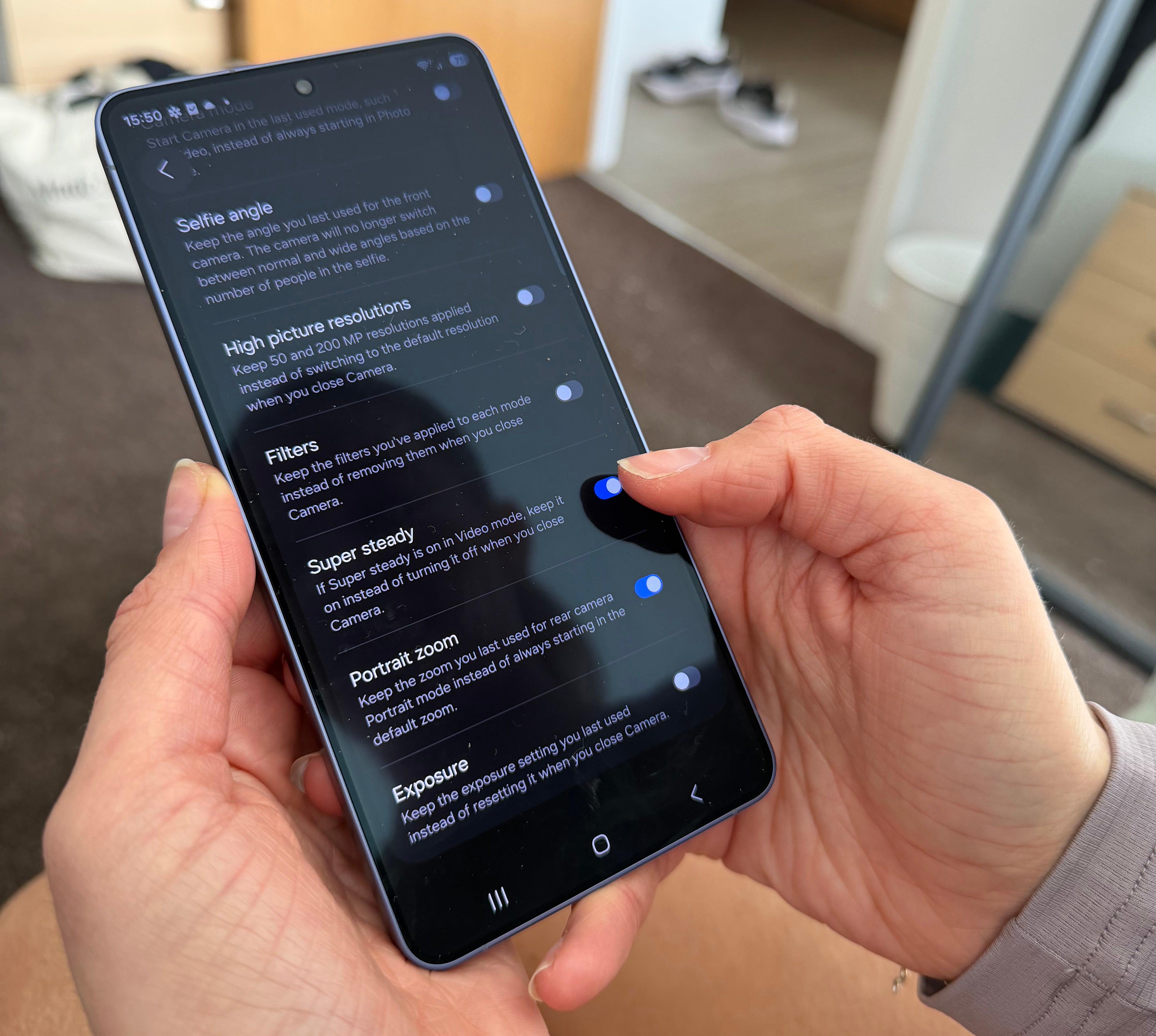 The Galaxy S26 Ultra’s Super Steady Video with Horizontal Lock* is designed for creators on the move (Beth Fletcher)
Beth says one of the simplest hacks is also the most overlooked – don’t film for too long. “When you’re running, it’s hard to keep still when your arms want to move,” she says. “So my tip is that I’m not recording for minutes at a time, it’s 30 seconds here, 10 seconds there.”
That keeps your footage easier to hold steady and makes your final edit feel more dynamic. You can edit those clips together however you want but generally, shorter clips are better for socials anyway and are more likely to be seen by more people.
The Galaxy S26 Ultra’s Super Steady Video with Horizontal Lock* is designed for movement, which is exactly what running content demands. Beth says it’s a genuine relief not having to constantly stop and reset.
“It keeps the recording at a level that you want,” she says. “And you don’t have to stress about a specific angle. You can just keep running and not have to be like, right, let me stop, prop, adjust it, and then go,” she adds. “It’s a smooth transition, which is really nice.”
How to film fitness content solo without bulky equipment
 Beth is often running long distances so needs to keep photography equipment to a minimum (Beth Fletcher)
Some creators love elaborate rigs – tripods, lights, the works. Beth doesn’t believe you need any of that to create great content while in motion.
“I’m not a very out-there person,” she says. “If I had a massive tripod, I wouldn’t like that. I don’t like a lot of attention.”
Instead, she films in a way that feels private, even in public spaces and advises that this often suits first-time content creators or those who want to respect others when out and about.
“I like to film on my own,” she says. “Or with a small setup. You can just take a phone with you and do your own thing in a way that feels personal to you.”
“A lot of creators are doing the same races with all the kit, the content looks the same. So I like to just film with my phone and do my own thing and I think that resonates with people.”
When to use the front camera for content
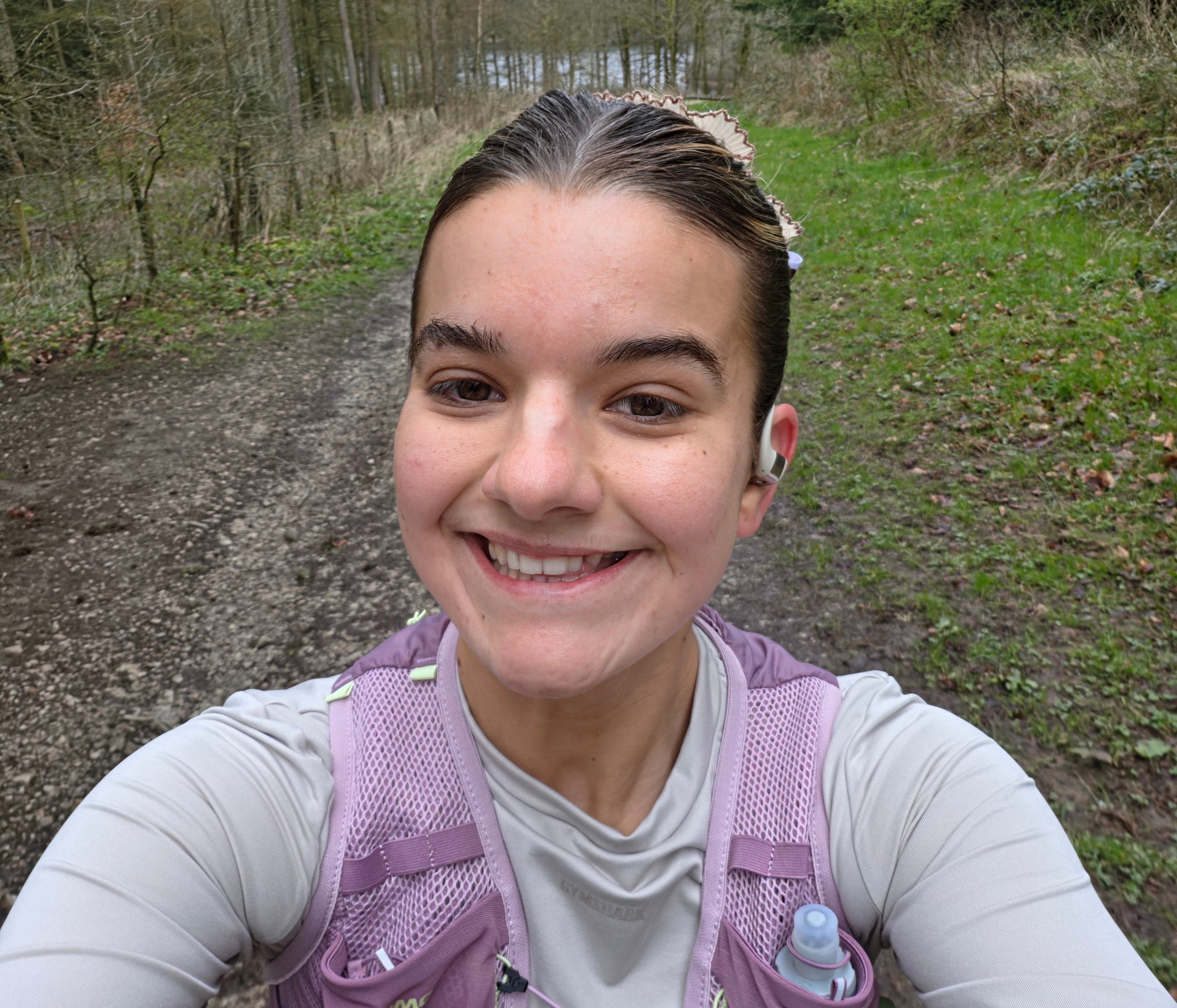 Beth uses Samsung Galaxy S26 Ultra’s front-facing camera, powered by its Advanced Selfie AI processor (Beth Fletcher)
Running content generally features stunning scenery but Beth often films herself because it makes followers feel like they’re there beside her.
“We’re not all perfect in the running community and that’s what makes it so nice. We all have bad days, so some days I might say, ‘Oh, I skipped my run today’ and someone else will say, ‘Oh yeah, me too’. It keeps me going because it’s like, ‘Okay, I’m not the only one. I’m not alone.’”
Some front-facing cameras are known for compromising on quality, but Beth relies on hers for her connection to her community, no compromises required.
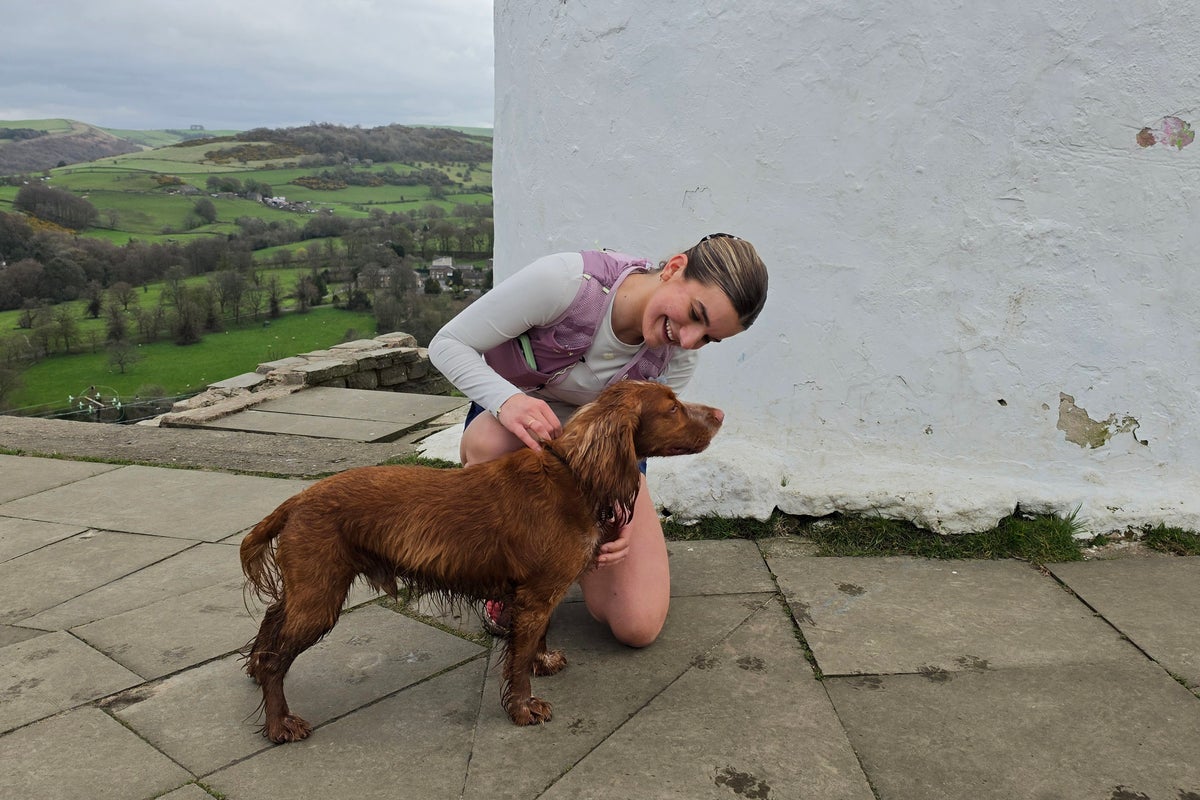
“The Galaxy S26 Ultra has an Advanced Selfie camera so in video mode the clips still look good. I can capture real moments quickly, especially if I’m running with my dad or my dog. I have a cocker spaniel and he ran about 25K with me the other day, he wasn’t even tired!”
How to film workouts and runs in low light on your phone
If the lighting is poor, you can elevate it with your phone’s built-in settings and edit clips afterwards with simple editing tools, advises Beth.
“I do like running in the mornings and not so much at night. But in winter, obviously I was running in the dark. I’d use the video flash or the Galaxy S26 Ultra’s Nightography Video.”**
Timing can dictate the quality of your content but if you’re a busy person with a set routine and your only opportunity to run is during hours where light might not be optimal, the key is to light your own way and be smart with editing.
“You can edit brightness, vibrancy, saturation, everything afterwards on your phone,” explains Beth. “Just to make the colours stand out because often they just can look a bit samey in low light. It then really brings out the green in the grass and just makes the video come to life.”
How to capture sharp action shots without motion blur
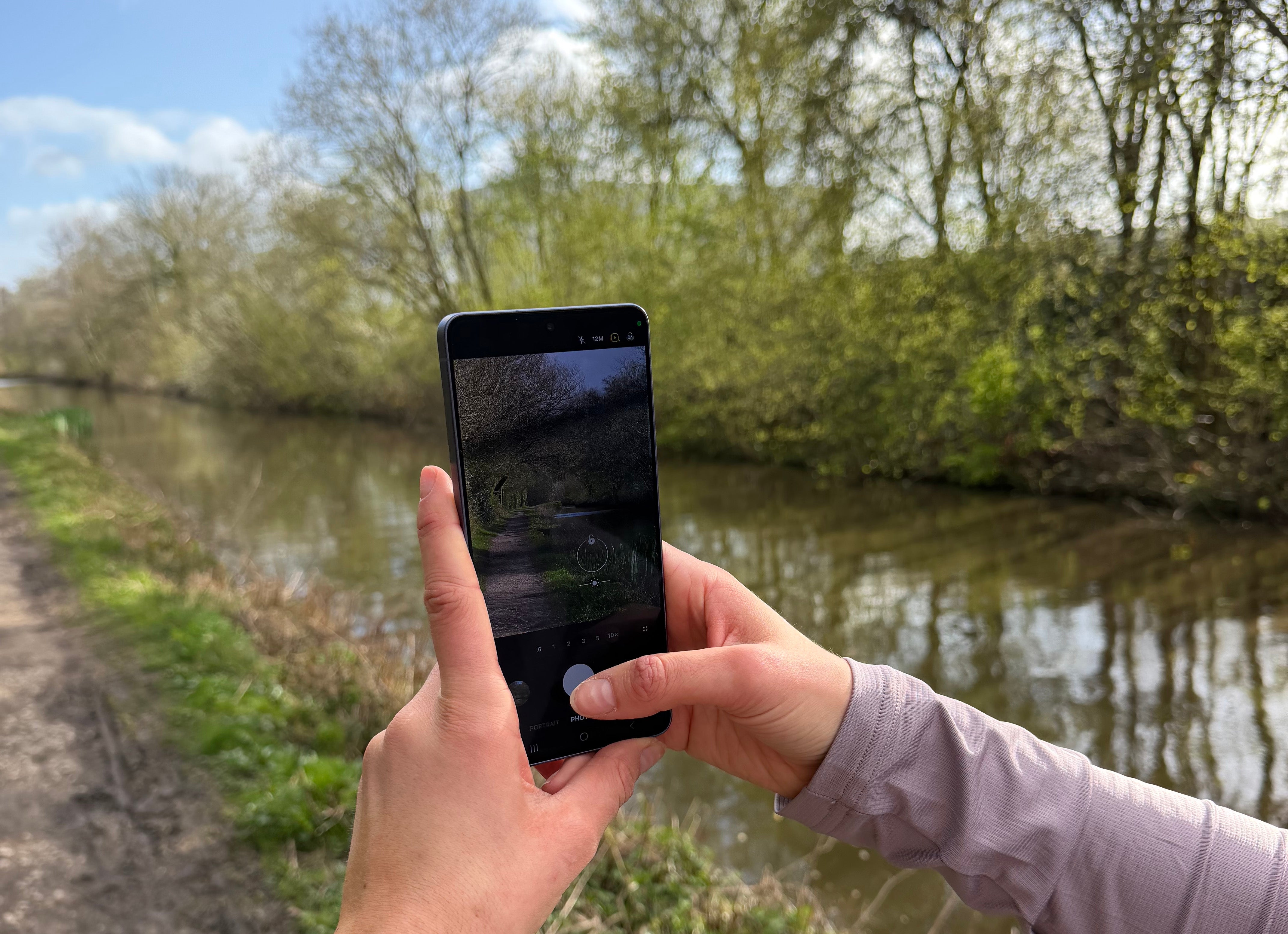 An in-built 10x Optical Quality Zoom helps Beth better capture the scenery on her run (Beth Fletcher)
If you’re running past a beautiful view or over a finish line and you have one take, you have to make it count. During a race you aren’t going to go back and retake a blurred shot because minutes count.
The Galaxy S26 Ultra’s 200MP main camera is built to capture clear, detailed action photography even while you’re moving. There’s also an in-built 10x Optical Quality Zoom, which Beth explains comes in very handy when you’re shooting from a distance.
“It’s ideal for crowded marathons and big events but also in the surroundings where I train.”
How to record clear audio while filming outdoors
Outdoor audio can be unforgiving at times and it can make or break a good video. “There’s a lot of traffic where I live and it can be very windy,” Beth says. “I used to think there was no option but now I just use a quick editing tool to change the sound quality.”
Samsung’s Audio Eraser† makes it possible to keep your voice clear while removing background noise. “It makes your voice just sound normal, but without the external noise. So I can just film myself while I’m running and still listen to my music without worrying about the sound of my breathing or the wind or other people making noise – Stronger by Kelly Clarkson is my ultimate running track.”
“For my voiceovers, I don’t want it to sound like I’m reading a script so I’ll give myself a few points and often, the third take is the one. I speak like I would to someone I know so it sounds real. The audio on the phone is super crisp so I don’t always need a microphone, I don’t take one out with me that much.”
How to edit fitness content on your phone in public
 Privacy Display‡ makes it easy to edit content in public spaces by reducing screen visibility from side angles (Beth Fletcher)
Beth admits she sometimes feels awkward editing videos on trains or in cafés. So the Galaxy S26 Ultra’s Privacy Display‡ feature is great if you’re editing on the go. “It’s really cool,” she says, “because when you look from the side you can’t see anything on the screen.”
“It’s not like anyone’s going to judge you, but it’s nice to just have a bit of privacy when you want to.”
Beth’s overall philosophy for fitness content is simple – make your capture easy and enjoy the process. “Just go for it,” she says. “Be yourself, record yourself doing what you’d naturally do anyway and don’t try and be someone else.”
“My plan is to keep documenting my journey. I’ve got a 50K race in June so I really want to show people that you can do these long distances. I’m not a quick runner but I love to show people you can just enjoy it and see how far you can go. So much of running is mental.”
FAQs: Filming fitness content on your phone
DELETE BELOW FAQS BEFORE PUBLISHING
How do you film stable fitness videos while running?Keep clips short (10 to 30 seconds), hold your phone steady, and use stabilisation tools like Super Steady video* on the Samsung Galaxy S26 Ultra to reduce shake while moving and filming on the go.
Do you need a tripod to film fitness content?No– most fitness creators film handheld, especially when running or training outdoors. A phone like the Samsung Galaxy S26 Ultra is designed for stable, on-the-go filming without bulky equipment or extra setup.
Is it better to use the front or rear camera for fitness videos?Rear cameras offer higher detail and resolution, but the Galaxy S26 Ultra’s Advanced Selfie camera makes it easy to film high-quality, front-facing clips that feel more personal and engaging for your audience.
How can you film workouts in low light on your phone?Use features like Nightography video** for footage that looks clear and polished even in dark or low-light conditions.
How do you avoid blurry footage when filming action shots?Use a high-resolution camera like the Galaxy S26 Ultra’s 200MP camera, along with stabilisation and optical zoom, to capture sharper footage while moving quickly or filming fast-paced fitness and running scenes.
How do you record clear audio while filming outdoors?Use tools like Audio Eraser† to reduce wind and background noise, helping keep your voice clear, without needing to rely on an external microphone.
———-
Find out more about the Samsung Galaxy S26 series and Galaxy S26 Ultra camera and AI features at Samsung
*Super Steady results may vary depending on editing method and/or shooting conditions.
**Results may vary depending on light condition, subject and/or shooting conditions.
†Samsung account login required. Six types of sound can be detected; voices, music, wind, nature, crowd and noise. Results may vary depending on audio source & condition of the video. Network connection required to be used on supported apps.
‡Requires manual activation in settings to function. Privacy Display feature is not AI powered.