




When smartwatches first hit the scene over a decade ago, they were expensive, often costing a few hundred dollars. While many still do, a range of third-party options now offer similar functionality—especially for fitness and health tracking.
That’s what led me to try a much cheaper fitness band instead of sticking with my Apple Watch Series 10. After using it through my workout and health routines, I have to admit I might have been better off saving the money and going this route.
When I first got a smartwatch vs. now
How my priorities changed over the years
I started with the original Apple Watch (also known as Series 1) in 2018 when it was given to me as a gift. Once I set it up, I used it for its intended purposes, like making phone calls, sending text messages, controlling music, and occasional fitness tracking.
Fitness tracking—or closing my rings—didn’t become a priority until I got to college, when I upgraded to the Series 4 in 2019. That model leaned more into health features, adding fall detection, ECG, and an improved heart rate sensor.
While I didn’t need all of those features, they were nice to have, and the design upgrade made a noticeable difference compared to the original Apple Watch. Since then, I’ve upgraded every few years, moving from the Series 4 to the Series 7 and now the Series 10.
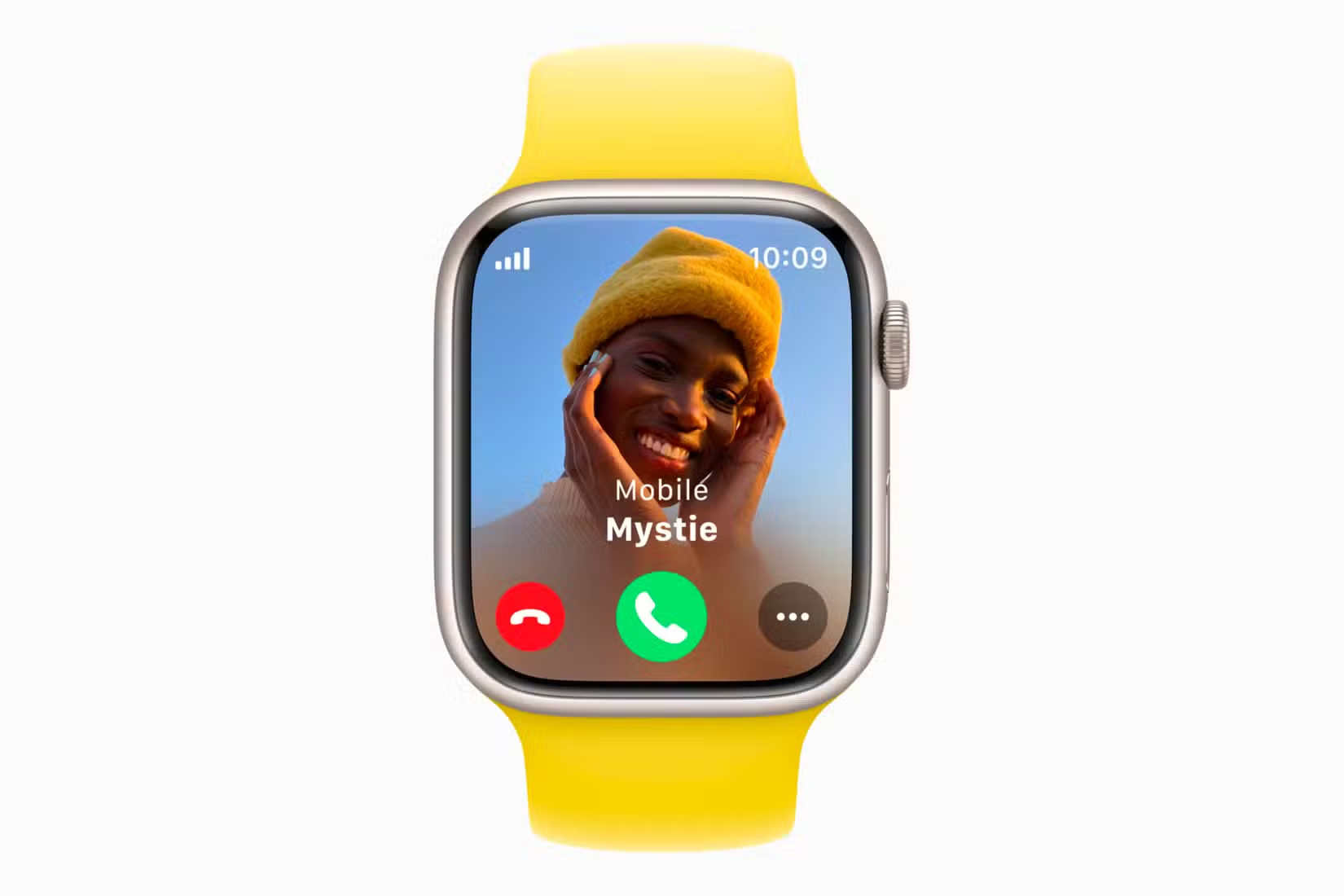
Over time, though, I realized my usage had changed. I’ve moved away from using the Apple Watch as a communication device and now use it almost entirely for fitness. For example, I’m not answering calls on it anymore, but I am consistently tracking workouts like walking.
I’ve also noticed that many of the things I used to do on my Apple Watch back in 2018, I now just do on my iPhone. If I get a call notification on my watch, I’m more likely to answer it on my phone instead.
Credit: Apple
After realizing this, I decided to try less expensive devices that still focus on fitness tracking without the extra features I don’t use. This led me to look into simpler alternatives that connect to my phone, and I ended up choosing one that doesn’t even have a screen.
The fitness band I rock with now
How the cheaper alternative does everything I need
When looking for a cheaper alternative, I knew I wanted something more affordable than the Apple Watch—ideally under $249, the price of the Apple Watch SE—but not so cheap that it felt like a low-quality device.
Since I cared more about fitness tracking than on-screen features, I also opened myself up to devices without screens. This was because I usually check my fitness stats on my phone rather than on my fitness device.
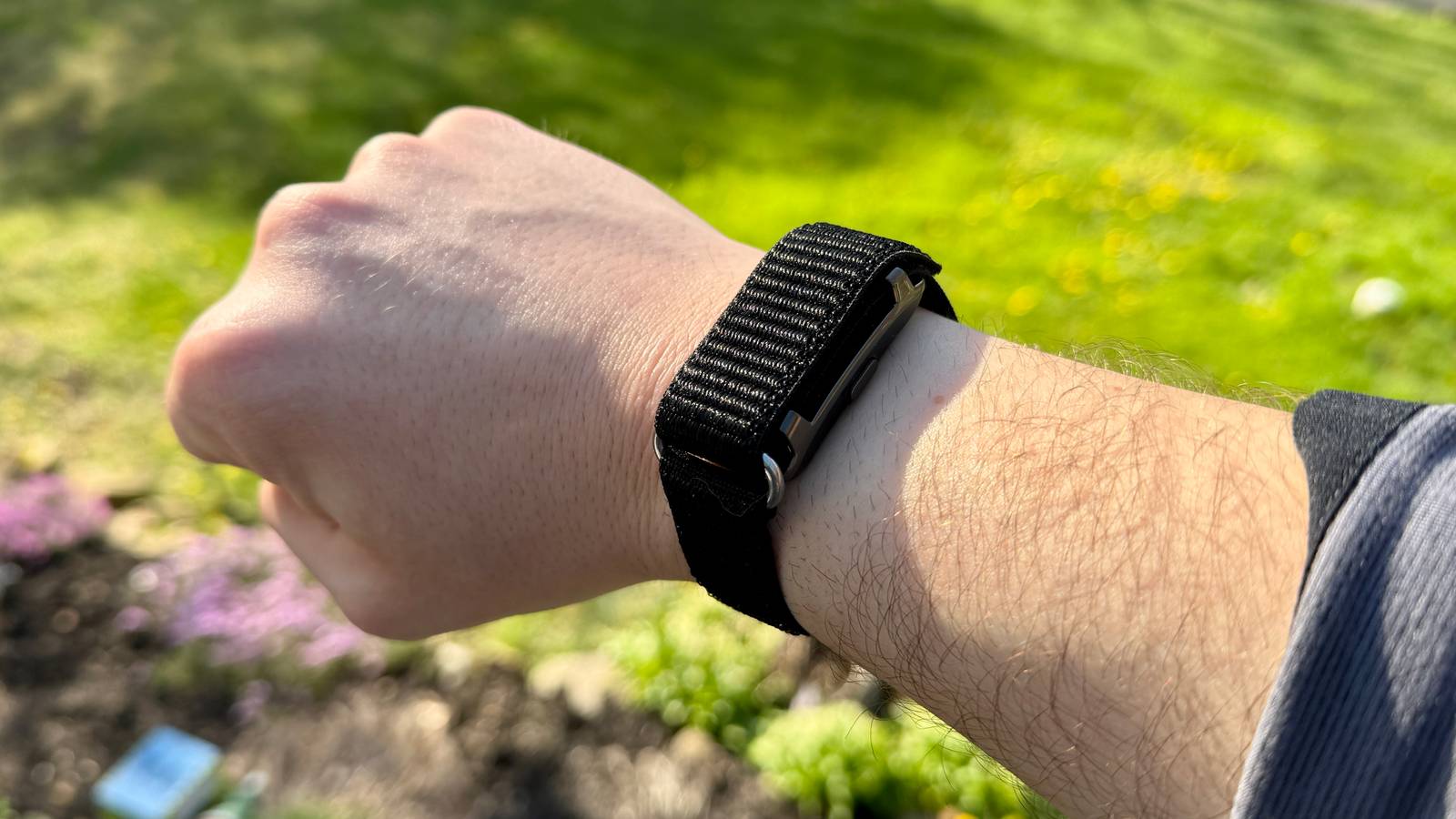
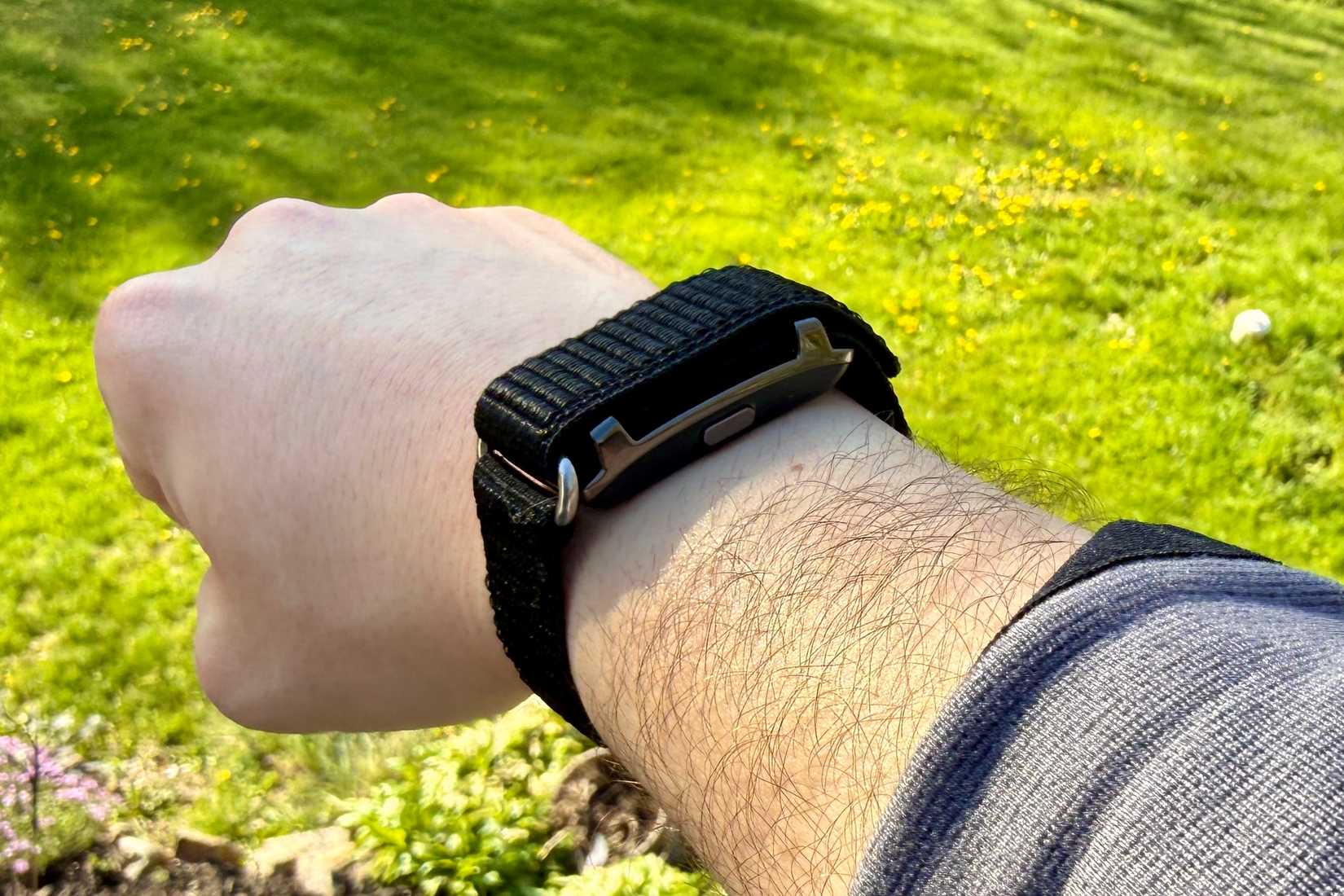
I ended up choosing the Smart Bracelet Fitness Tracker from a company named Qiunhang. They offer several models at different price points, but I settled on one that cost around $40.
Credit: Nathaniel Pangaro / How-To Geek
Switching from an Apple Watch to a third-party fitness tracker was a big change, so I put it through the paces of my daily routine and used it for the same things I relied on my Apple Watch for. It was a good test, especially since I was stepping outside the Apple ecosystem for my wearable.
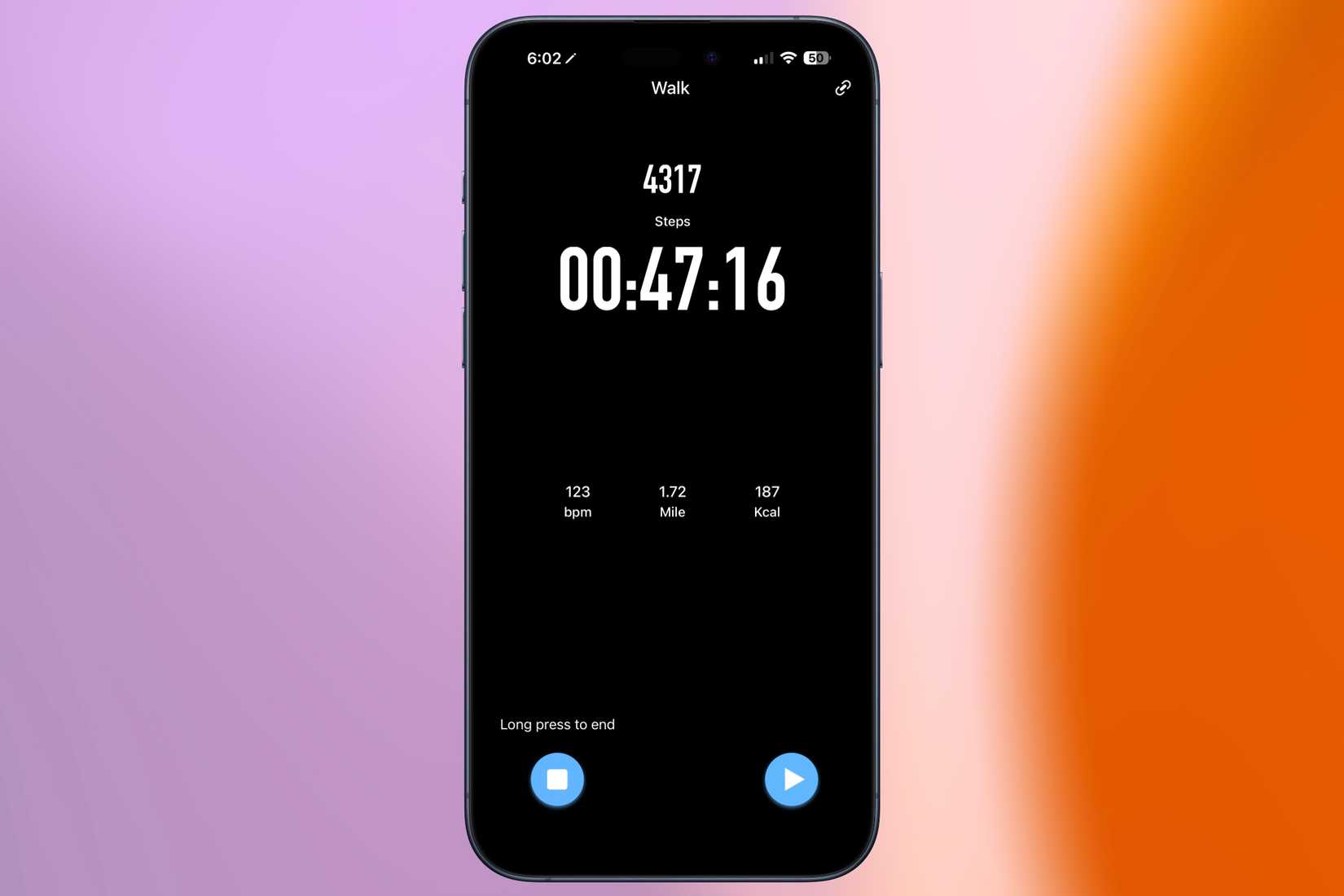
I stuck to my usual daily walk, which is not too intense, but enough to get a solid workout in. I started each session in the app, called QRing, on my phone and got moving.
Credit: Nathaniel Pangaro / How-To Geek | Apple
The fitness band’s strap is Velcro and wraps around your arm over the sensor. It might not look the most comfortable, but the material is soft and doesn’t irritate my skin, whether I’m working out or wearing it throughout the day.
While on my walk, one feature I appreciated was one that relies on the heart rate monitor. If I were pushing too hard, it would alert me to slow down and take a break. However, the default setting was a bit too sensitive at first, but I was able to adjust it in the app. After each workout, I could review all my stats, including pace, time, speed, and average heart rate. All the information was easy to understand and was shown in detailed charts and visuals.
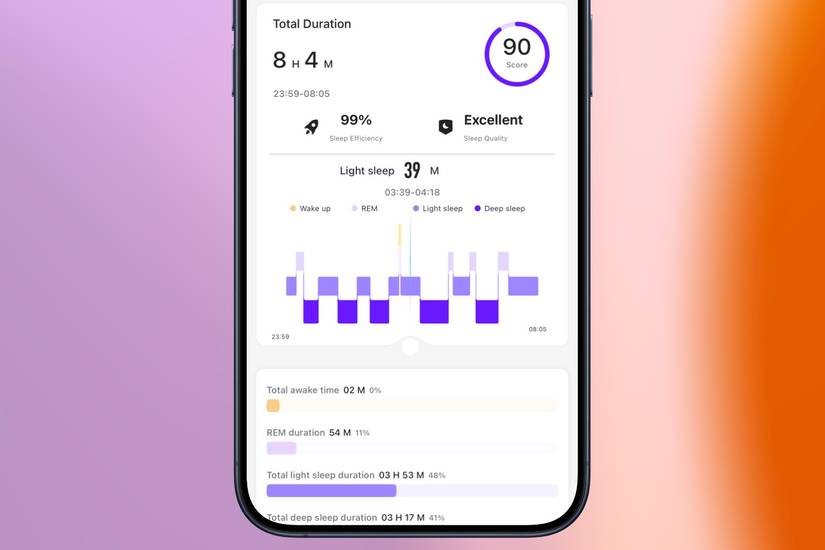
At night, it automatically tracked my sleep without having to do anything in the app. In the morning, I could see a breakdown of my sleep stages, along with metrics such as average heart rate, blood oxygen saturation, HRV (Heart Rate Variability), and body temperature.
Credit: Nathaniel Pangaro / How-To Geek | Apple
It also provided a sleep score based on the Pittsburgh Sleep Quality Index, which factors in information such as sleep duration, the ratio of deep to light sleep, and how often I woke up.
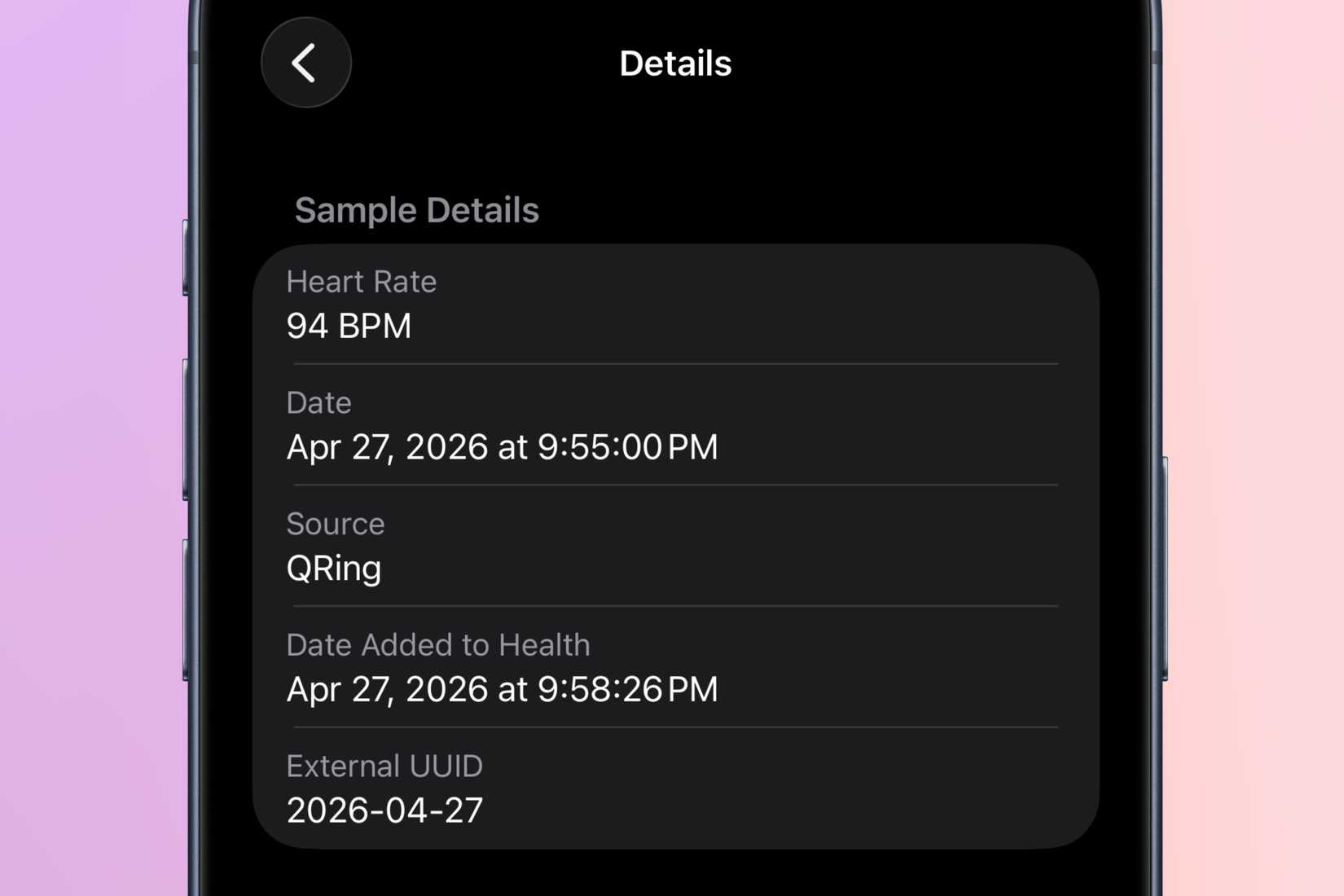
Throughout the day, the band continues to track background metrics such as heart rate, blood oxygen saturation, and stress levels, all viewable in the app.
Credit: Nathaniel Pangaro / How-To Geek | Apple
While the app is a good place to see all this information, I was happy to see that it also connects to Apple Health—and the Health app—so I can view my data there too. This also means I can share the info with family, friends, or even a doctor if needed, as well as with other apps that connect with Apple Health.
This may sound familiar
If you’re thinking, “That sounds a lot like what an Apple Watch can do,” it’s because it is. The core features are very similar.
Years ago, you had to pay a premium for this kind of health tracking, but now more affordable devices offer much of the same functionality. There are still some features reserved for higher-end models, like ECG, but for me, that’s not something I need right now—hopefully ever—so the basics are more than enough.
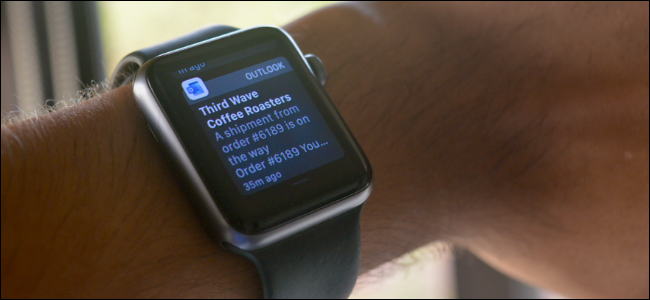
The lack of a screen has also been a benefit. I’m less tempted to check messages, emails, or notifications and get distracted. If I get a call, the band vibrates, and I just answer it on my phone, and that’s good enough for me in the sense of notifications.
Not to mention that the Qiunhang Smart Bracelet Fitness Tracker has an amazing battery life and charged magnetically, too. Since there is no screen, the battery lasts longer, which is definitely noticeable.
There are definitely features I miss from the Apple Watch, especially being in the Apple ecosystem, but the essentials I actually use are all covered at a fraction of the cost. If you’re mainly focused on fitness tracking, it’s worth considering cheaper alternatives—you may find they already do everything you need.